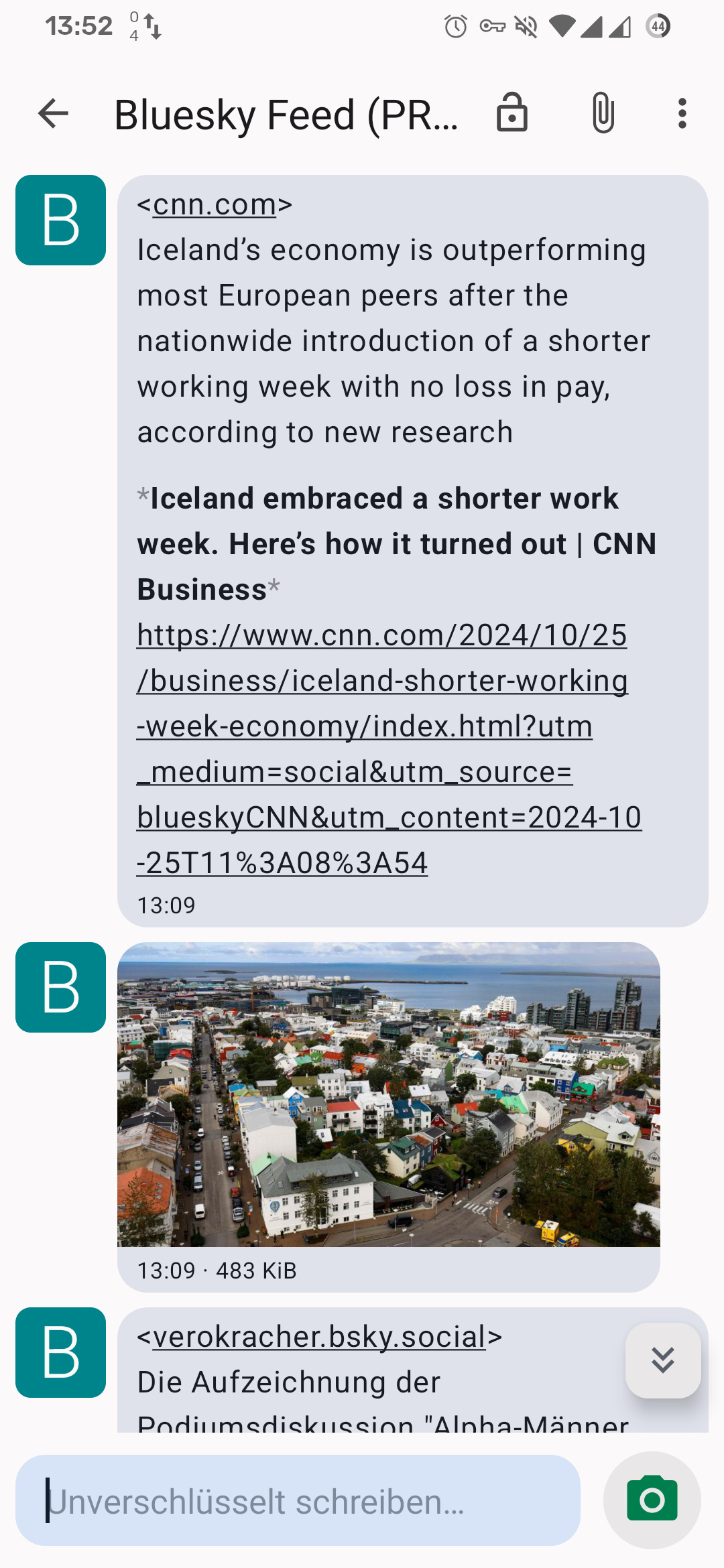
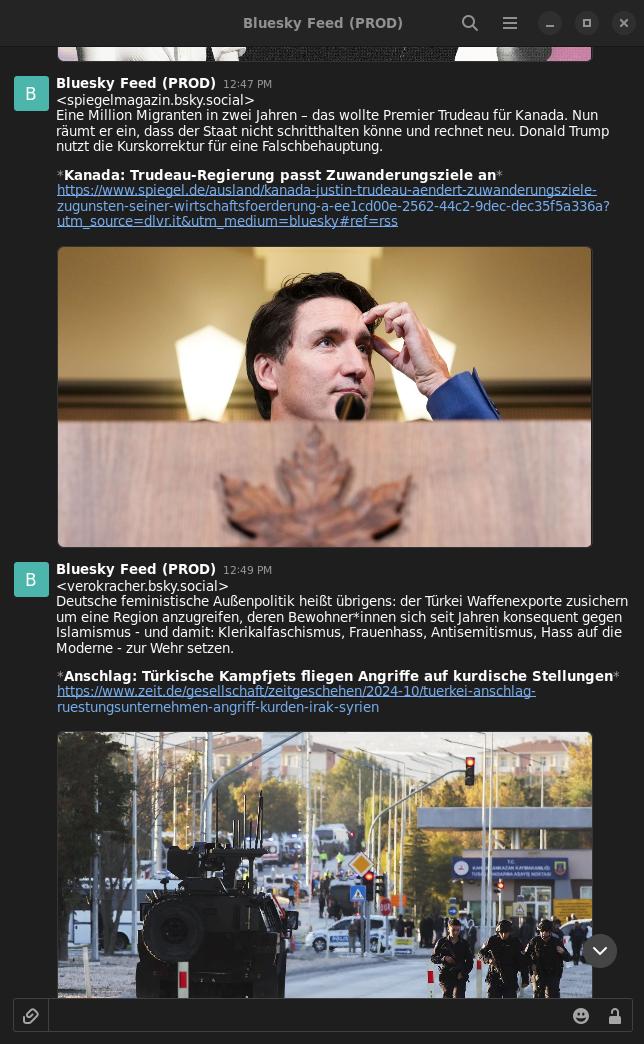
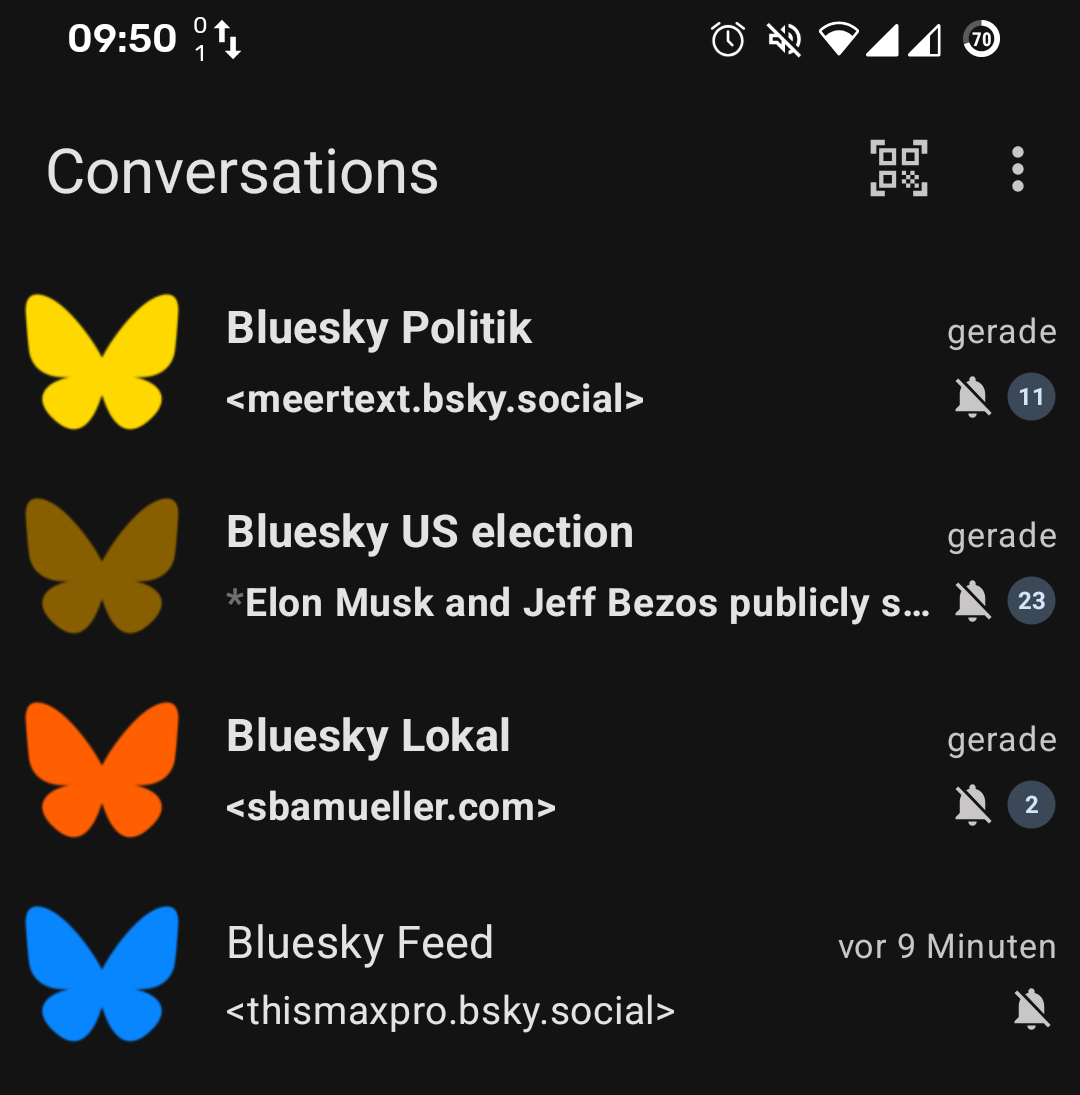
This gateway connects Bluesky with XMPP (Jabber): you subscribe to accounts, hashtags or text patterns and receive the matching posts as chat messages in your XMPP client — no browser, no app. Everything is controlled by chat: you send the bot short commands.
Add the bot as a contact
Add anything@bluesky.yerl.org to your contacts. Use any name instead of anything. Every name is a separate feed with its own subscriptions, filters and colour — handy to keep topics apart (e.g. news@bluesky.yerl.org, cats@bluesky.yerl.org).
Subscribe to something
Send s @handle.bsky.social or just a profile URL from Bluesky. The bot answers subscribed.
Help and status
help lists all commands, l your subscriptions, status the delivery state.
rs). For unknown input the bot answers: unknown command. send help for help.| s[+] <handle> | Subscribe to an account |
| u[+] <handle> | Unsubscribe from an account |
| ts[+] <tag>,<tag>,-<tag> | Subscribe to a hashtag combination |
| tu[+] <tag>,<tag> | Unsubscribe from a hashtag combination |
| rs[+] <regex> | Subscribe to posts whose text matches the pattern |
| ru[+] <regex> | Unsubscribe from a pattern |
| rnu <n> | Unsubscribe from the pattern with number n in l |
| l | List all subscriptions |
| https://bsky.app/profile/… | Subscribe to an account by Bluesky URL |
| show_part [<part>,…] | Deliver these parts of a post again (without an argument all of them) |
| hide_part <part>,… | Stop delivering these parts of a post |
| reset_part | Deliver all parts again (the default) |
| show_label [<label>,…] | Also deliver posts with these labels (without an argument all of them) |
| hide_label <label>,… | Do not deliver posts with these labels |
| reset_label | Back to the label default |
| pause / unpause | Stop / resume delivery |
| status | Delivery state, quota usage, label and part settings |
| color <0–256> | Choose the bot's avatar colour |
| help | The bot's command list |
Commands with _ also work with -, e.g. show-label or reset-part.
The [+] after s, u, ts, tu, rs, ru means: also comments (replies) — see below.
Accounts
s @spiegel.de — the @ is optional, and so is the profile URL https://bsky.app/profile/spiegel.de. Unsubscribe with u @spiegel.de.
Hashtags
ts cute,cat delivers posts that contain all the given tags (here cute and cat). Exclude tags with -: ts warcraft,-nsfw delivers posts with warcraft but without nsfw. At least one tag without - is required. The # is optional, case does not matter.
Every combination is its own subscription: ts cute,cat and ts cute,seal are two subscriptions. Unsubscribe with tu cute,cat (any - tags you give are ignored then).
Text patterns (regular expressions)
rs \bvulkan\w* delivers every post whose text matches the pattern, case-insensitively (PCRE syntax). The pattern must be on one line, not empty, must not match every post, and at most 200 characters long. Patterns that take too long to evaluate do not match.
Unsubscribe with ru <the same pattern> or with rnu 1, where the number is shown by l.
Including comments: the +
By default you only get root posts, no replies. With + comments come too: s+ @handle, ts+ warcraft, rs+ vulkan. Repeating the command without + switches the subscription back to posts only. l lists both groups separately.
Hide parts of a post: show_part / hide_part / reset_part
| text | Text of the post (also the title of a link card) |
| image | Images |
| video | Videos |
| card | Link card: title and URL of the preview card of a shared link. card drops the whole card; title and URL of the card are also dropped by text, the card image also by image |
| link | Link to the post (the last message). A URL in the post text belongs to the text (text) |
hide_part card,link— stop delivering these parts. The command adds to what is already hidden, it does not replace it. It needs at least one part; without an argument it is rejected.show_part card— deliver these parts again (this adds as well). Without an argument: all of them.reset_part— deliver everything again (the default). Call it without an argument.- Several parts separated by commas; case and blanks do not matter. One unknown part rejects the whole line and nothing is stored.
- The answer and
status(last line) show what currently applies, e.g.parts shown: text, image, video; hidden: card, link. The link to the post always comes last. - The former commands
removeandshow_removeno longer exist.
A) Post with link card
┌───────────────────────┐
│ Text                  │  <- text
│ ┌───────────────────┐ │
│ │ card image        │ │  <- card + image
│ │ title             │ │  <- card + text
│ │ example.org       │ │  <- card
│ └───────────────────┘ │
└───────────────────────┘

B) Post with image(s) or video
┌───────────────────────┐
│ Text                  │  <- text
│ ┌───────────────────┐ │
│ │ image 1-4 / video │ │  <- image or video
│ └───────────────────┘ │
└───────────────────────┘

post link: always last  <- link
                            A) Link card                     B) Image/video
hide_part                 | Text Title+URL Card image Link | Text Media     Link
---------------------------------------------------------------------------------
(nothing)                 | ok   ok        ok         ok   | ok   ok        ok
text                      | --   --        ok         ok   | --   ok        ok
image                     | ok   ok        --         ok   | ok   -- images ok
video                     | ok   ok        ok         ok   | ok   -- video  ok
card                      | ok   --        --         ok   | ok   ok        ok
link                      | ok   ok        ok         --   | ok   ok        --
text,card                 | --   --        --         ok   | --   ok        ok
image,video               | ok   ok        --         ok   | ok   -- both   ok
card,text                 | --   --        --         ok   | --   ok        ok
text,image,video,card,link| --   --        --         --   | --   --        --

ok = delivered, -- = suppressed
Labels: show_label / hide_label / reset_label
Authors can label their own posts. By default, posts with the labels porn, sexual, nudity and graphic-media are not delivered (gore is the old name of graphic-media).
show_label sexual,nudity— also deliver these labels. Without an argument, all of them.hide_label nudity— hide these labels again (adds to what is already hidden). Without an argument the command is rejected.reset_label— restore the default:porn,sexual,nudityandgraphic-mediahidden,no-labelshown.- A post is delivered only if all of its labels are shown.
no-labelstands for posts without any of the four labels. Shown by default.hide_label no-labelplusshow_label nuditydelivers only posts labelled nudity.- Only labels the author set themselves count, not those of moderation services (e.g. Bluesky moderation).
- The answer and
statusshow the current state. - Here too:
show-label,hide-labelandreset-labelwork with a hyphen.
| pause | Stop delivery of this feed. Posts missed meanwhile are not delivered later. |
| unpause | Resume delivery |
| status | Shows whether delivery is active (pause, errors or quota), your quota usage and the label setting |
| l | Lists accounts, hashtag combinations and patterns (with the number for rnu) |
| color <0–256> | Colour of the bot avatar in a 256-colour scheme. 256 is the Bluesky original (default). Useful to tell several bot contacts apart. A pause shows in the bot's presence status. |
All settings apply per bot address, that is per feed.
So that an overly broad subscription does not flood your client, there is a quota of matches per time window: per feed (one bot address) and per user over all feeds. The defaults are 1000 posts per hour per feed and 10000 per hour over all feeds. At its end, help shows the limits that actually apply; status shows your usage.
When a limit is reached you get one message per window ("limit reached … Further posts are skipped until …"). After that, further matches are skipped until the end of the window (the full hour, UTC). A match counts even if your filter hides all its messages.
Only your subscriptions and settings per bot address are stored, and the time of your last activity.
Removing the bot from your contacts
If you remove the bot from your roster, all your data for this bot address is deleted. Before that the bot sends you all the commands needed to restore it. To restore, add the bot again and send the lines one by one. If there was nothing to restore, the bot stays silent.
Automatic clean-up
- Inactive: if you do not show up for 90 days by default (neither presence nor message), the data is deleted and the bot removes itself from your contacts. You get the restore commands here too.
- Empty: if you unsubscribed from everything and have been inactive for a week, the leftover settings (colour, pause, filter) go as well.
- Delivery fails: if messages to you keep coming back as errors over a longer time (account gone, server unreachable), delivery is paused and the feed removed later. As soon as you write to the bot again or come online, delivery continues.
📰 Receive news
- Add the bot contact:
news@bluesky.yerl.org s @spiegel.des @cnn.comhide_part image,video— text only, no images or videos
🐱 Cute animal pictures
- Add the bot contact:
cuteanimals@bluesky.yerl.org ts cute,catts cute,sealhide_part text,card— images and videos only, no text
🎮 A topic with discussion, without spam
- Add the bot contact:
games@bluesky.yerl.org ts+ warcraft,-nsfw— posts and comments, without nsfwrs+ \bvulkan\w*— everything that mentions Vulkanl— check,rnu 1— remove a pattern again
- The bot does not answer.
- Check that you added the bot as a contact and accepted the request. Try
status. If it says "disabled", useunpause. - I get no posts with images or certain content.
- Check with
statuswhich labels and which parts are hidden (default for labels:porn,sexual,nudity,graphic-media; parts: none).reset_partandreset_labelrestore the defaults. - I get no replies (comments).
- Replies need the
+, e.g.s+ @handle. - Reposts are missing.
- Reposts are not supported. They are only referenced in the Bluesky firehose, not contained in it.
- A renamed or deactivated account cannot be unsubscribed.
- This is a known limitation. If unsure which handle applies,
lhelps. When in doubt, ask in the support room. - How do I get my data back after deletion?
- From the message the bot sent before deleting — see Your data.